

top of page

10 Best Thermal POS Paper Rolls for Business Buyers

Selecting the right Thermal Pos Paper roll is a small purchasing decision with daily consequences. A roll that feeds smoothly keeps checkout lines moving. One that fades too quickly can leave receipts hard to read. Buyers also need to compare roll width, length, core size, coating quality, and printer compatibility—not just price per case.

No source article or verifiable expert quotation was provided, so I won’t invent an expert’s name or attribute a fabricated quote. The practical point is simple: match the paper to the printer and the demands of the counter. Test a sample roll. Check how it loads, how clearly it prints, and whether the receipt remains legible after handling.

Small details matter. A core that is slightly too large may not fit. A roll that looks like a bargain may run out sooner than expected. This guide compares 10 options for business buyers, with attention to everyday usability, consistency, and value. It also recognizes a limitation: product specifications alone cannot predict performance in every store. Staff feedback and a real-world trial still count.
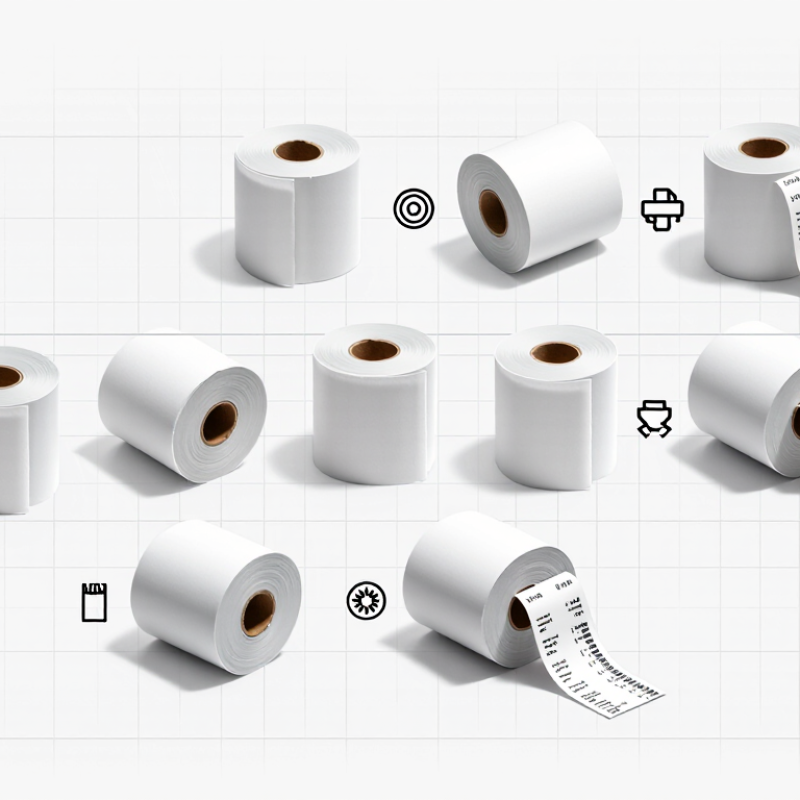
10 Best Thermal POS Paper Rolls for Business Buyers

How Thermal POS Paper Rolls Work and Where Businesses Use Them

thermal pos paper rolls use a heat-sensitive coating that darkens when a printer’s heated printhead touches it. The machine forms text and images directly on the paper, so it needs no ink cartridge. Simple, but not foolproof. Dust, worn printheads, or incorrect paper width can cause faint text, jams, or blank strips. A quick test print can reveal issues before a busy shift.

Businesses use these rolls at checkout counters, cafés, parking stations, and service desks. They print receipts, order tickets, queue numbers, and transaction records. In a café, a clear kitchen ticket can help staff distinguish a takeaway order from one for a table. Roll dimensions matter: check the printer’s width and core size before buying. Paper that almost fits may still feed poorly.

Tips: Store rolls in a cool, dry place, away from direct sunlight and strong heat. Keep samples of printed receipts to check legibility over time. Results can vary with paper coating, printer condition, and storage, so test a small batch before switching suppliers.

Key Specifications for Evaluating POS Paper Rolls

Choosing thermal POS rolls starts with printer fit, not the lowest unit price. Measure paper width, roll diameter, and core size against the printer manual. A roll that is too wide may scrape; an oversized diameter may not fit the holder. Check winding direction, too. Easy to overlook.

Compare paper weight and thickness, since both affect stiffness and roll capacity. Ask suppliers for consistent specifications and test samples in your actual printers. Look for dark, legible text without excessive heat settings or slow printing. Test one roll. Check whether receipts remain readable after routine handling and storage.

Coating quality matters when receipts face warm counters, sunlight, or damp storage areas. Ask for documentation on coating composition and relevant chemical declarations for your market. Confirm usable roll length, splice frequency, and packaging that keeps dust and moisture out. A spreadsheet can miss small differences between batches, so inspect samples from more than one shipment when possible. The best specification is the one your staff can verify during a normal shift.

Ten Thermal POS Paper Rolls for Different Business Needs

Choosing thermal POS paper is less about finding one “best” roll and more about matching paper to the printer and pace of work. A standard 80 mm roll suits many checkout counters, while a narrow 58 mm roll fits compact terminals. Long-length rolls reduce changeovers at busy tills. Short, lightweight rolls are easier to carry for mobile sales. Check roll width, core size, and maximum diameter against the printer manual before ordering.

Print needs vary, too. High-sensitivity paper can produce readable receipts with less printer heat, but settings still matter. Fade-resistant stock is useful when customers may keep receipts for months. Moisture-resistant paper can help in cafés or damp work areas, though it is not waterproof. Kitchen-oriented rolls should be tested near heat and steam. A high-volume jumbo roll may suit a fixed counter, if the printer accepts its larger diameter.

Some businesses need clear copies for dense item details; others value fewer roll changes during rushes. Card-terminal rolls are made for smaller devices, while custom-length or specialty-coated rolls can address particular workflows. Ask suppliers for specifications and sample rolls, then test legibility, feeding, and cutting on your own equipment. A small trial helps. It is easy to assume every “thermal” roll behaves alike; that assumption can waste stock.

10 Best Thermal POS Paper Rolls for Business Buyers

Common Roll Widths for Different Business Needs

58 mm and 80 mm are common nominal widths for thermal receipt rolls. The use cases shown are examples, not universal recommendations; check your printer’s specifications before ordering.

Comparing Roll Sizes, Print Quality, and Compatibility

Thermal POS paper is easy to overlook until a roll jams during a lunch rush. Size is the first practical check. Many receipt printers use 2¼-inch or 3⅛-inch-wide rolls, but width alone is not enough. Compare the roll diameter with the printer compartment, then verify the core size and maximum roll length in the device manual. A roll that is too wide will not load; one that is too large may keep the cover from closing. Fit comes first.

Print quality depends on coating consistency, paper thickness, and printer settings. Receipts should show sharp text and readable totals without dark bands or faded edges. Test a small batch at normal print speed, especially for long item lists. Store unused rolls away from sunlight, warm windows, and damp counters; heat can darken thermal paper before use. Compatibility includes the printer’s specified paper weight and core design, not just roll width. Check these details before ordering cartons.

Looks matter too. A cheaper roll may produce pale receipts or extra jams, so compare usable print length and waste, not price alone. Specifications can be incomplete, and actual fit may vary slightly. Keep a sample roll for a real checkout test.

How to Choose and Store Rolls for Reliable POS Printing

Choosing a thermal POS roll starts with the printer, not the price. Check the required width, roll diameter, and core size in the printer manual; even a small mismatch can cause jams or loose feeding. Paper thickness also matters. A roll that is too thick may not fit the compartment, while very thin stock can tear during busy checkout periods. For a practical comparison, test a sample roll through several receipts and inspect text sharpness, feeding, and cutting.

Storage affects print quality more than many buyers expect. Keep unopened rolls in their packaging, away from windows, heaters, and damp areas. A sunny shelf or warm spot near a kitchen can gradually darken thermal paper before use. Store cartons flat, and rotate stock so older rolls are used first. Small details matter.

For clear records, choose paper with legible, durable output suited to how long receipts must be kept. Ask suppliers for specifications and sample rolls rather than relying on vague descriptions. One easy mistake is ordering a large quantity before testing compatibility. It saves time to check first, though even a short test cannot predict every storage problem. Temperature and humidity still vary between locations.

bottom of page